Document Reader PDF Reader
SwiftBiz AppsProductivity
3.182.00 Reviews
- Version
- 7.3.0
- Installs
- 1.00M
- Age Rating
- Everyone
Screenshots
Our Review of Document Reader PDF Reader
 Analysis by Appyee
So, I jumped into the world of the Document Reader PDF Reader app, and let me tell you, it’s been quite an experience. If you’re anything like me, dealing with PDFs is a regular part of life, and having the right tool can make all the difference. Here’s a deep dive into what this app offers and why you might want to give it a whirl.
The Ultimate PDF Experience
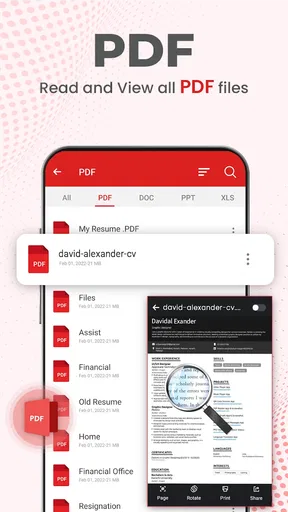
First things first, the Document Reader PDF Reader app is super easy to navigate. Whether you're opening a document for work or leisure, the interface is intuitive. I love how everything you need is right at your fingertips—no need to go hunting for features.
One thing that stands out is the sheer speed. I’ve used a handful of PDF readers, and waiting for large documents to load can be a drag. But this app? Lightning fast. I opened a hefty file that usually takes ages to load on other platforms, and it was ready in a snap. That’s a win in my book!
Features Galore
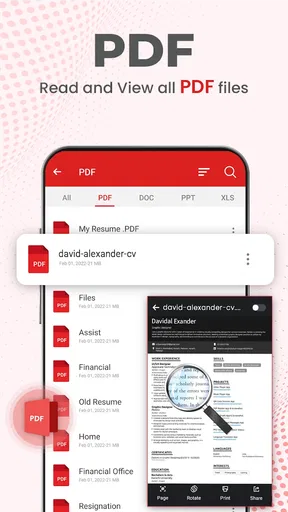
Now, let's talk features. What’s a PDF reader without them, right? This app is packed with everything you could possibly need. From annotating PDFs to filling out forms and even signing documents, it covers all bases. I found the annotation tools particularly handy. It’s super simple to highlight text, add notes, or even draw directly on the document.
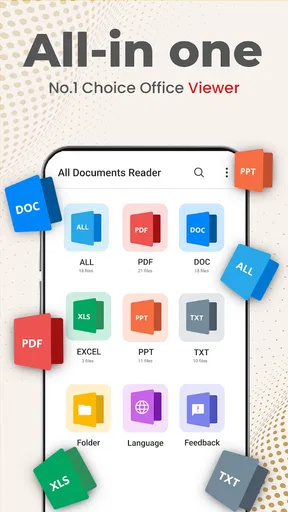
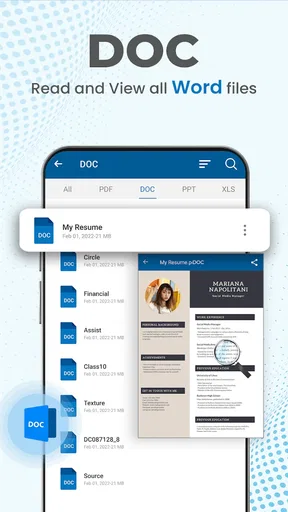
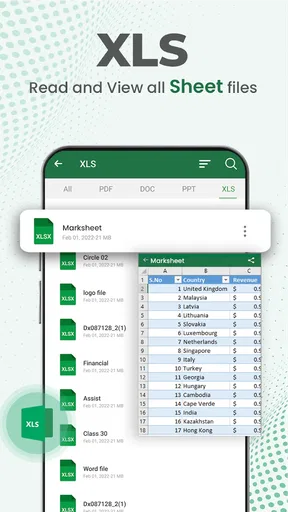
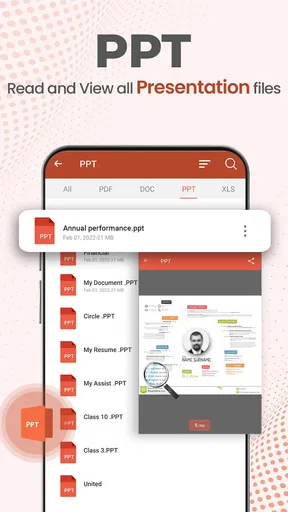
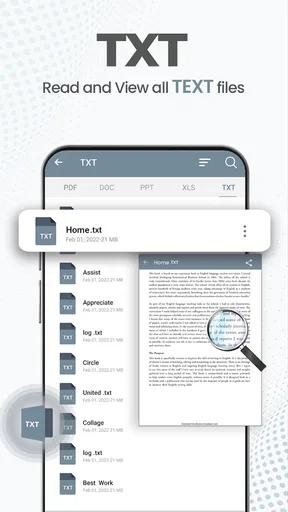
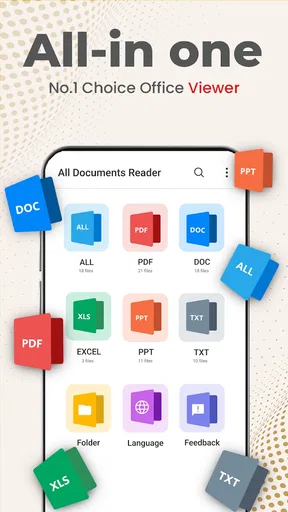
Another cool feature is the text recognition technology. I tested it out on some scanned documents, and it worked like a charm. Being able to search through scanned PDFs was a game-changer for me. Plus, the app supports a variety of file formats, which means you can view Word documents, Excel sheets, and more, all in one place.
User-Friendly Design
The design of the app is sleek and modern. It’s got that minimalist vibe, which I’m totally into. There’s nothing worse than an app cluttered with buttons and menus, but this one keeps it clean and simple. Everything is labeled clearly, and the icons are intuitive, making it a breeze to find what you’re looking for.
If you’re worried about customization, fear not! The app lets you tweak the reading experience to your liking. Whether you prefer a dark mode for nighttime reading or need to adjust the text size, it’s all customizable. This is perfect for those long reading sessions when you really need to focus.
Security and Privacy
In today’s world, data security is key, and I was pleased to see the app takes it seriously. It offers password protection for sensitive documents, so you can keep your files secure. This is especially important if you’re handling confidential information.
I also appreciated the app’s commitment to privacy. It doesn’t require unnecessary permissions, which is a relief. It’s nice to use an app without feeling like you’re giving away your life story.
Wrapping It Up
Overall, the Document Reader PDF Reader app is pretty impressive. It’s packed with features, easy to use, and super fast. Whether you’re a student, professional, or just someone who deals with PDFs regularly, this app is worth checking out. It’s made my life a whole lot easier, and I’m sure it’ll do the same for you.
If you’re on the hunt for a reliable PDF reader, I’d say give this one a shot. It ticks all the boxes and then some. You can find it on both Android and iOS, so no matter what device you’re rocking, you’re covered.
Verdict
Strengths of Document Reader PDF Reader
- Supports multiple file formats seamlessly.
- User-friendly interface for easy navigation.
- Fast loading times for large documents.
- Offline access without internet needed.
- Annotation tools enhance document editing.
Limitations of Document Reader PDF Reader
- Ads can be intrusive during use.
- Limited features in the free version.
- Occasional lag with complex files.
- No cloud integration for direct uploads.
- Customization options are somewhat basic.
Other Releases by SwiftBiz Apps
View All
Recover Deleted Messages
Communication2.8

SmartCast - USB Screen Share
Personalization0.0
Similar Picks in This Category
View All
Google Calendar
Google LLC4.6

Google Drive
Google LLC4.3

Google Assistant
Google LLC3.9

Microsoft OneDrive
Microsoft Corporation4.6

Samsung Calendar
Samsung Electronics Co., Ltd.4.1

Microsoft OneNote: Save Notes
Microsoft Corporation4.6
Frequently Asked Questions
What file formats does Document Reader PDF Reader support?
Document Reader PDF Reader supports a wide range of file formats beyond just PDF. Users can also open and read documents in formats like DOC, DOCX, XLS, XLSX, PPT, PPTX, and TXT. This versatility makes it an essential tool for those who work with various document types on a daily basis.
Is Document Reader PDF Reader available for both Android and iOS devices?
Yes, Document Reader PDF Reader is available on both Android and iOS platforms. This ensures that users can access their documents seamlessly across different devices, maintaining productivity whether they are using a smartphone or a tablet running on either operating system.
Does the app offer offline access to documents?
Absolutely, Document Reader PDF Reader allows users to access their documents offline. This is particularly useful for users who need to work in environments without internet connectivity, ensuring that important files are always available when needed, without relying on cloud storage.
Are there any in-app purchases or subscriptions required?
While Document Reader PDF Reader offers a free version with basic functionalities, there are optional in-app purchases and subscription options available. These paid features may include advanced editing tools, cloud storage integration, and ad-free usage, enhancing the overall user experience for those who need more capabilities.
How user-friendly is Document Reader PDF Reader for beginners?
Document Reader PDF Reader is designed with an intuitive interface, making it user-friendly even for beginners. The app includes easy navigation, clear icons, and helpful tutorials to guide new users through its features. This ensures that anyone can start reading and managing documents without prior experience.
